

Work Smarter, Not Harder:
3 Automation Workflows and Tools that saves you Time
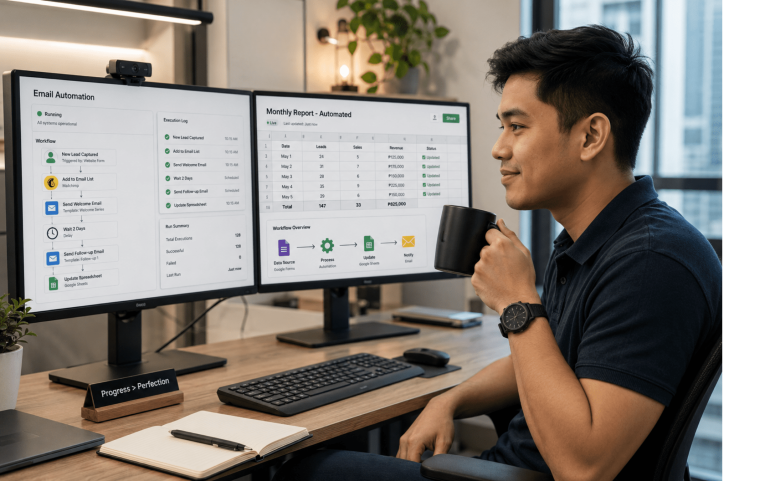
Let’s be honest: most of our workday isn’t spent on “deep work.” It’s spent on mundane tasks like—sorting emails, updating spreadsheets, and chasing approvals.
In 2026, the gap between a “busy” professional and a “productive” one is automation. If you aren’t automating your repetitive tasks, you’re essentially working for free during those hours.
Here are three simple, high-impact workflows you can set up to reclaim hours of your week.
1. The "Zero-Inbox" Filter: Automating Lead & Email Sorting
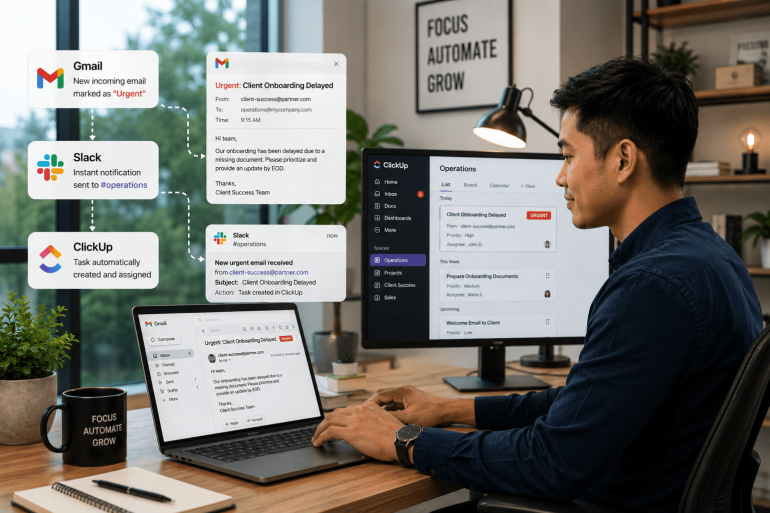
Manually scanning your inbox to find client requests or high-priority leads is a massive time sink. In fact, research from Tribe Academy (2026) reveals that the average professional loses up to 25 hours per week to “productivity black holes” like repetitive emails and disorganized meeting follow-ups.
The Workflow: Use a tool like Zapier or Make.com to connect your Gmail/Outlook to your Customer Relationship Management (CRM) or a dedicated Slack channel.
How it works: Set a trigger for incoming emails with keywords like “Quote,” “Inquiry,” or “Urgent.” The automation automatically creates a task in your project manager (like Trello or Asana) and pings you on Slack.
The Benefit: You stop “checking” email and start “processing” high-value actions.
2. The "Meeting Ghost": Automating Notes and Action Items
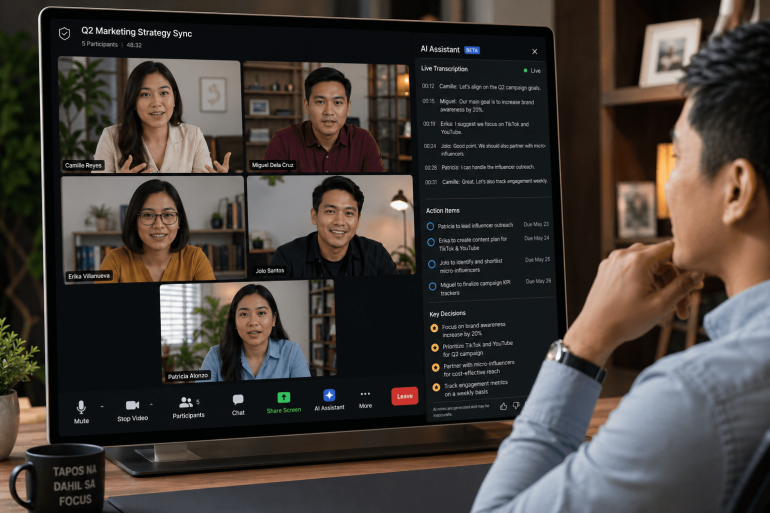
How much time do you spend re-watching meeting recordings or typing up “Next Steps” for the team? According to recent 2026 productivity case studies, professionals who use AI to handle meeting documentation save an average of 3 hours per day on administrative overhead.
The Workflow: Integrate an AI note-taker (like Otter.ai or Fireflies) with your Google Calendar and Notion.
How it works: The AI bot joins your Zoom/Teams calls, transcribes the conversation, and generates a bulleted summary of action items. This summary is then automatically sent to your team’s workspace.
The Benefit: You don’t have to write notes and lose track of the discussion again. You simply review the summary, click “Approve,” and move on.
3. The "Hands-Free" Reporter: Automatic Data Syncing
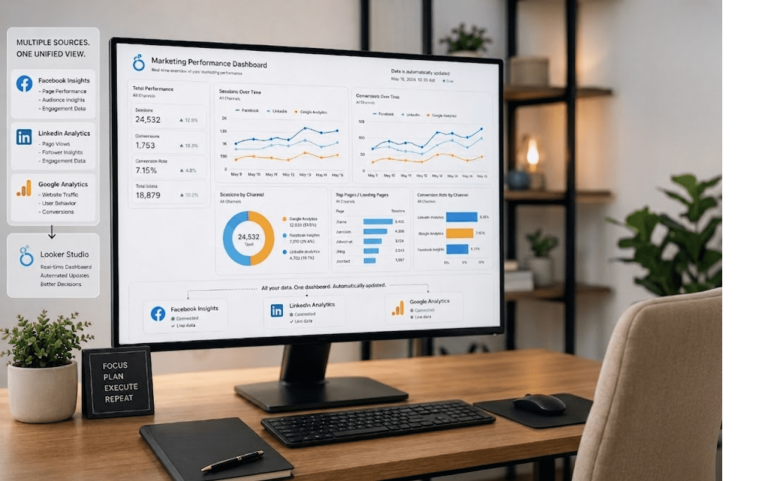
Copy-pasting data from Facebook Insights, LinkedIn, or Google Analytics into an Excel sheet is a recipe for burnout. According to Salesforce’s latest State of Marketing report, organizations that automate these manual reporting tasks see a 14.5% increase in sales productivity and a 12.2% reduction in overhead costs.
The Workflow: Use Microsoft Power Automate or Supermetrics to sync your data sources directly to a live Dashboard (e.g. Google Looker Studio).
How it works: Set a weekly trigger (e.g., every Friday at 4 PM) to pull the latest performance metrics and update your master report.
The Benefit: Your weekly reports are finished before you even open your laptop. You spend your time analyzing the results instead of gathering the data.
Why Upskilling in Automation is Your Best Career Move
The job market in 2026 doesn’t just reward hard work; it rewards efficient systems. According to a McKinsey survey, business leaders believe they can successfully automate up to 30% of their workload, but the bottleneck is often a lack of skilled professionals who know how to set these systems up.
At UpskillNowPH, we believe that every professional should have the digital fluency to automate the boring stuff so they can focus on what they do best: creating, leading, and growing
Explore Our Courses: https://upskillnow.ph/shop/
Sources Links:
https://tribeacademy.sg/blog/ai-meeting-minutes-to-reduce-meeting-email-time/
https://medium.com/@mayankgairola114/10-real-ways-i-use-ai-daily-to-save-3-hours-12b1bb65b988
https://www.get-ryze.ai/blog/when-implementing-marketing-automation-and-ai